

Social Clips
Slow a track down for a short video edit, then download the WAV. Use audio you own or have permission to use.
Examples
- Short video edits
- Mood clips
- Transition sounds
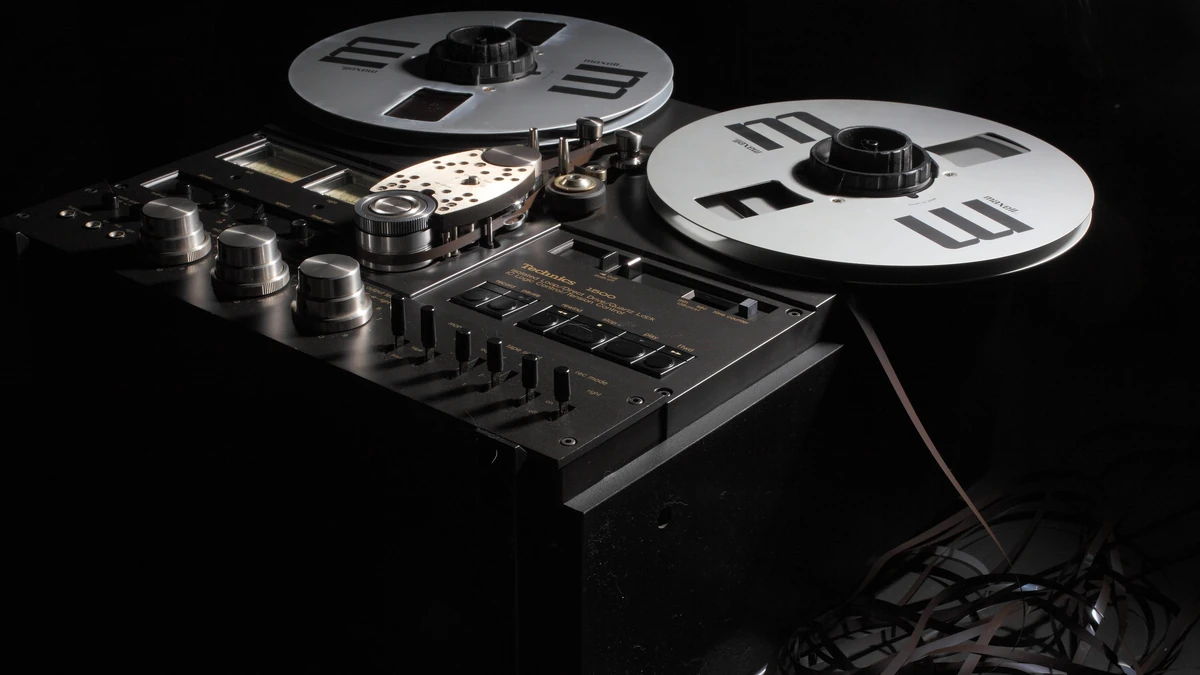
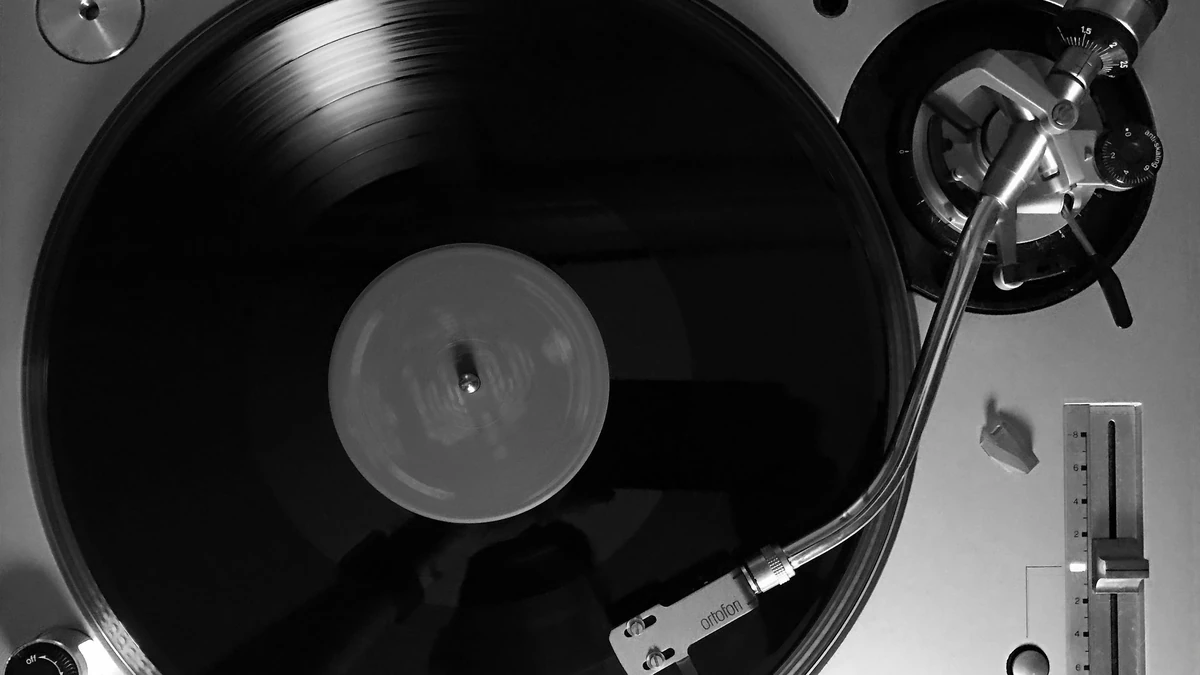
Slowed and reverb is two edits stacked: play the track slower, then wash it in reverb. This slowed and reverb generator does both in your browser. Slowing works like a tape or record, so lower speed also lowers pitch. Reverb comes from a synthetic two-second room mixed with the original at the level you choose, and a low-pass filter softens the highs.
Three settings.
Playback Speed runs from 0.5x to 1.0x in 0.05 steps and starts at 0.8x. Slower also means lower in pitch, with no key lock.
Range
0.5x to 1.0x
Default
Starts at 0.8x
Pitch Drops
Lower speed, lower pitch
Private, adjustable, and free.
Your audio is processed on your device and never uploaded.
0.5x to 1.0x, and pitch drops with speed.
Mix from 0% to 100% with a two-second tail.
Cutoff from 500 to 5000 Hz.
MP3, WAV, FLAC, OGG, AAC, M4A, and WebM files.
Files up to 80 MB per upload.
A slower, darker version of a track.
Slow a track down for a short video edit, then download the WAV. Use audio you own or have permission to use.

Make a softer version of a song you already love by lowering speed and the low-pass cutoff.

Make a quick slowed and reverb sample from a loop or stem, then bring the WAV into your DAW.

Stretch a music bed under a scene. The two-second reverb tail gives the end a natural fade.
Three steps in the slowed and reverb generator.
Drop in an MP3, WAV, FLAC, OGG, AAC, M4A, or WebM file, or press Try with a sample.
Choose speed, reverb mix, and low-pass cutoff, then press Apply Effect.
Play the result in the slowed and reverb generator, then download it as a WAV.
Straight answers about speed, pitch, reverb, and files.
A slowed and reverb generator slows a track down and adds reverb. Add a file, set speed, reverb mix, and low-pass cutoff, press Apply Effect, and download a WAV.
Yes. Speed and pitch move together, like a tape or record slowing down. There is no key lock or separate pitch control.
Start at the defaults, 0.8x speed and 40% reverb. If vocals or bass turn muddy, lower Reverb Mix first.
The slowed and reverb generator is free, with no signup or credits, and your audio never leaves your browser. Limits: 80 MB, 5 minutes on desktop, 2 on mobile. It takes uploaded files only, not links, and exports WAV.
"Chillin Hard" by Kevin MacLeod (incompetech.com) is licensed under Creative Commons: By Attribution 3.0, http://creativecommons.org/licenses/by/3.0/. Try with a sample loads a 25-second clip of it.
Only if you own the original or have permission. The tool only processes audio. Rights to the original song stay with its owners, so use audio you own or have permission to use before you publish.
More free tools that run in your browser
Upload an audio file to use the slowed and reverb generator