
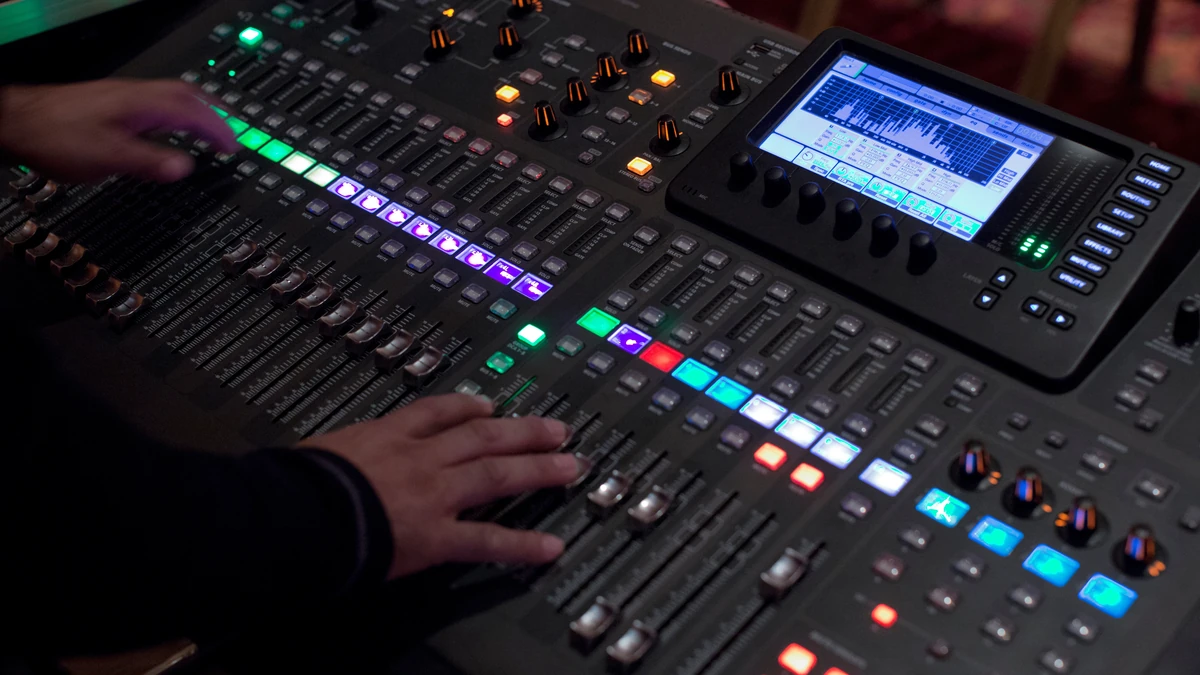

Producers & Beatmakers
Run a loop or riff through the converter to recover its notes, then swap the instrument or re-voice the hook in your DAW.
Examples
- Re-voicing a riff
- Hum to bassline
- Rebuilding a synth lead
- Chord stab to MIDI
This MP3 to MIDI converter runs Spotify's open-source Basic Pitch model inside your browser tab. It decodes your file to mono audio, estimates which pitches sound at each moment, and groups them into notes with a start time, length, and velocity. Because the model is polyphonic, overlapping notes stay separate instead of collapsing into one line. The notes are written to a single-track standard MIDI file you can open in a DAW.

Notes, tempo, and timing you can edit in a DAW.

Chords and overlapping lines come out as separate MIDI notes, each with its own pitch, timing, and velocity. Everything lands on one track, so split the parts by hand in your DAW.
Chords & Overlap
Several notes at once, not only the top line
Velocity
Note loudness carries into the MIDI
Piano Roll Preview
Check the notes before you download
Private, polyphonic MP3 to MIDI conversion, free to try.
Overlapping notes stay separate instead of collapsing into one line.
Decoding and transcription happen on your device. Your file is never uploaded.
Every note carries its start, length, and loudness.
Download a .mid that DAWs and notation apps can open.
Three modes plus sensitivity and minimum note length.
Files up to 80 MB. Clips up to 2 minutes on desktop, 45 seconds on mobile.
Recover notes from a recording, then edit them.
Run a loop or riff through the converter to recover its notes, then swap the instrument or re-voice the hook in your DAW.

Record a sung or hummed melody and run MP3 to MIDI on it. Expect to fix a few notes, then keep the idea as an editable MIDI file.

Convert a short solo passage and read the notes off the piano roll to check your ear-training guess or study phrasing.

Hear a chord voicing on a record? Convert a short clip in Chords mode, read the notes, and confirm them by ear.
Add a file, pick a mode, download the .mid.
Drop in an MP3, WAV, FLAC, OGG, AAC, M4A, or WebM file, or press Try with a sample.
Choose a mode, adjust sensitivity if you like, then press Convert to MIDI to start the MP3 to MIDI conversion.
Check the notes on the piano roll, then download the .mid file.
Straight answers about what the converter can and cannot do.
Add your file or press Try with a sample, pick a detection mode, press Convert to MIDI, and download the .mid file. Files can be up to 80 MB, and clips up to 2 minutes on desktop or 45 seconds on mobile.
The MP3 to MIDI converter is free. There is no signup, no login, and no credits are used.
No. Decoding and transcription run in your browser with the Basic Pitch model, which loads from this site. Your audio is not sent anywhere.
MP3 to MIDI suits one instrument or one voice, and it cannot split a mix into separate parts. Full mixes with drums and effects give noisier results, such as extra notes, octave slips, and drum hits read as notes. The output is a single track with no drum mapping, so expect to edit.
The converter is polyphonic, so notes that sound together are kept as separate notes. Use a short clip in Chords mode and read the notes off the piano roll. It writes notes, not chord names, and results depend on the recording, so check by ear.
The MP3 to MIDI converter writes an estimated tempo into the file, and it can be off. Turn the tempo option off and set your own in the DAW, or try the beta grid snap.
Yes. Besides MP3 to MIDI, the audio to MIDI converter accepts WAV, FLAC, OGG, AAC, M4A, and WebM files.
Only if you have permission. A MIDI file holds notes, not the recording, but a melody can still be protected. Convert only audio you own or have permission to use.
More free tools that run in your browser
Add an audio file to convert MP3 to MIDI